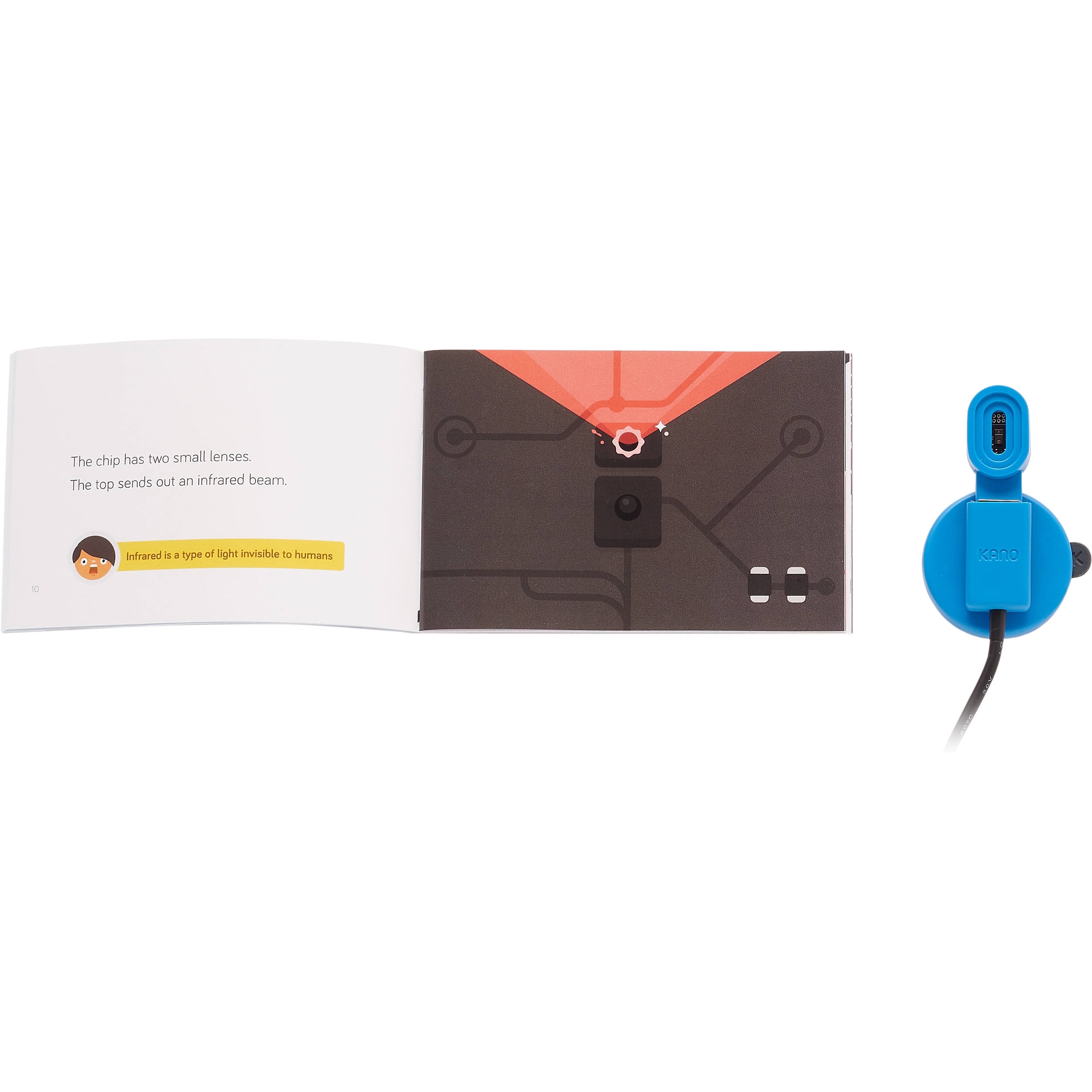




























































































































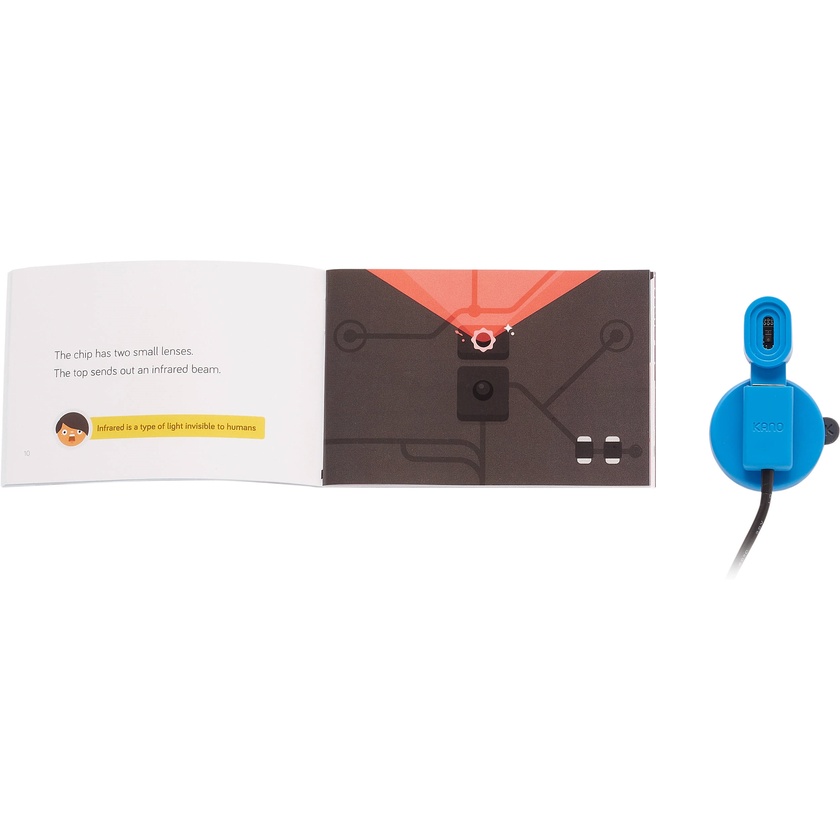
Assemble your own USB motion sensor and learn to code with the Kano Motion Sensor Kit. The included step-by-step storybook shows you how to assemble your motion sensor and helps you learn how to programme games and apps that use motion as a means of control. The Motion Sensor Kit is designed for computer enthusiasts aged six and up.
Key Features:
- Kano Code - Kano Code is a step-by-step coding environment designed to run in nearly any browser. It is powered by drag-and-drop code blocks, which help simplify coding, and also lets you inspect and code in JavaScript. Complicated commands and programming languages are replaced with simple English, so beginners of nearly all ages can code their own creations, with no previous programming experience required.
- Step-by-Step Storybook - Assemble your Motion Sensor Kit with illustrated steps and learn all about sensors and data.
- USB Motion Sensor - The motion sensor detects three directions of motion at a time – left/right, forward/backward, and up/down – and sends the data to your computer. You can use it to make and control games, create artwork, or generate sounds and music.
- USB Cable Extender - The included USB extension cable lets you move the senor around without it being plugged directly into your computer.
- Suction Pad - The suction pad helps keep the motion sensor flat and steady on nearly any surface, horizontal or vertical.
- Stickers - The included stickers let you customise your motion sensor.